Floor visualiser
Choose a pattern, a timber and a finish, and see the floor in a room or in a photo of your own.
How it works
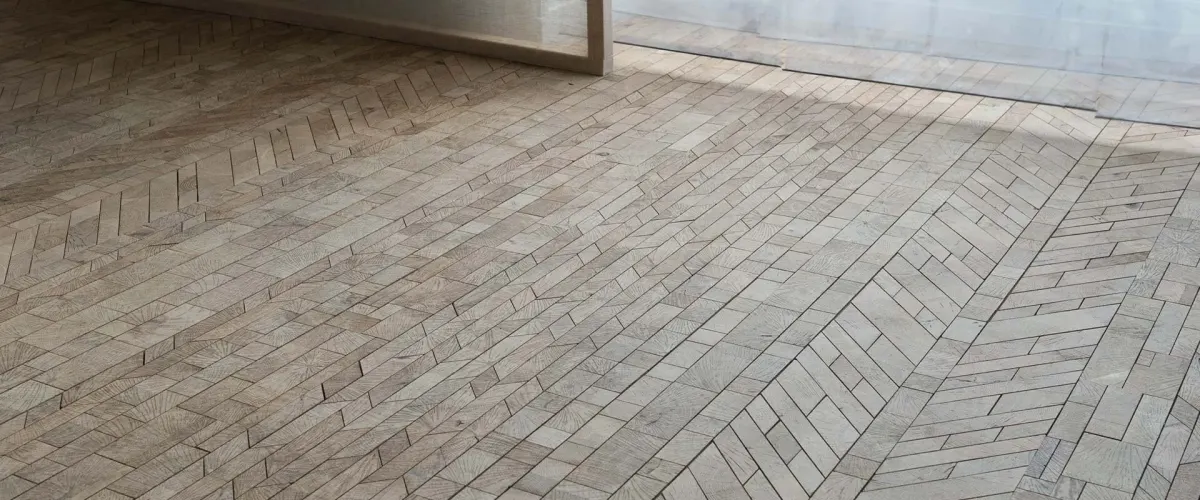
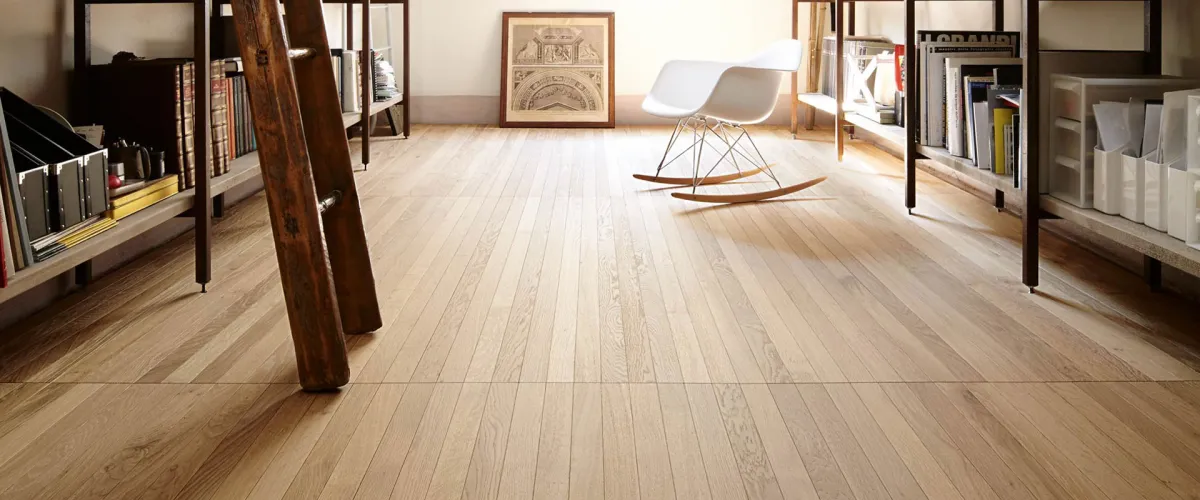
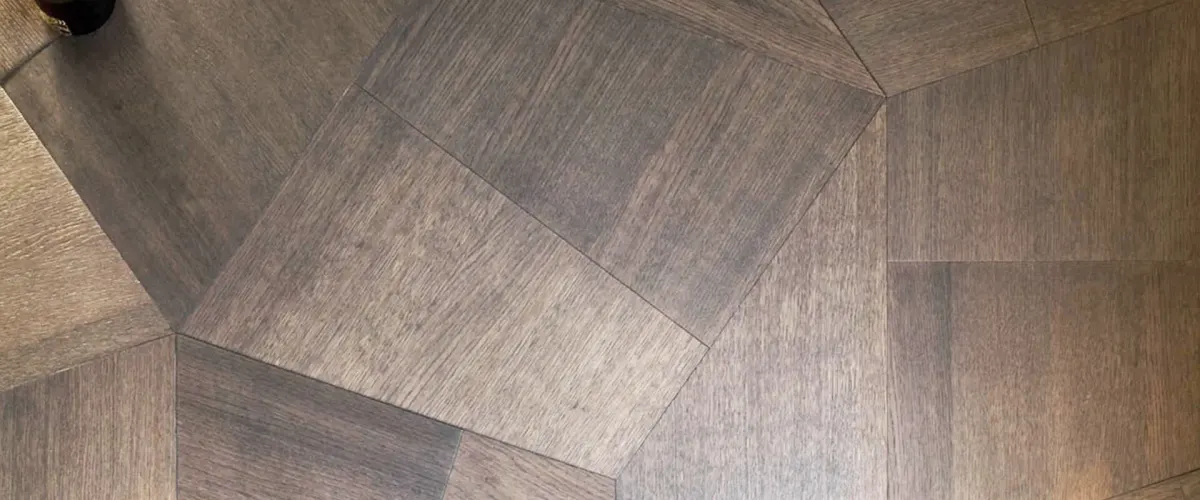
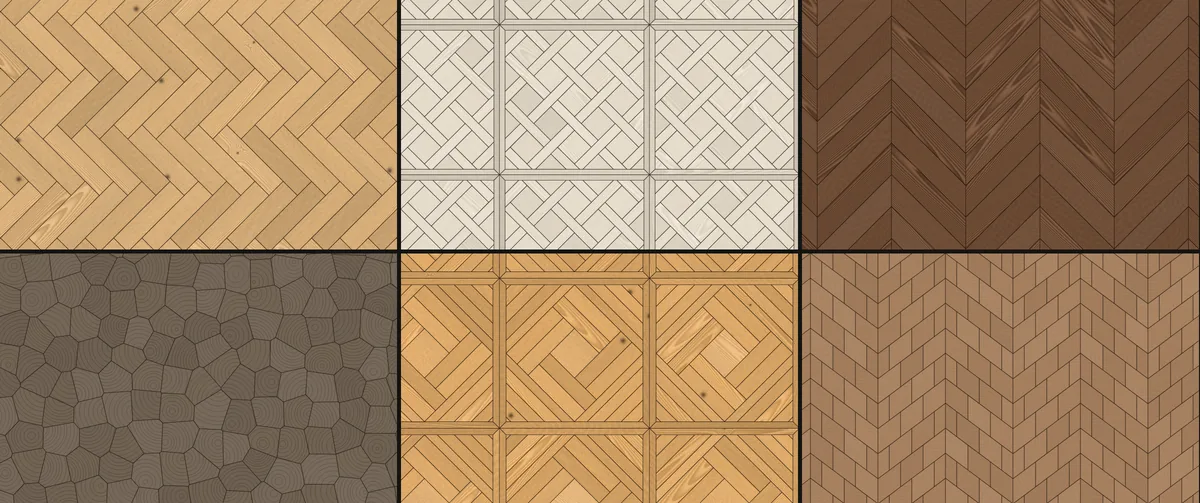
Pick one of 53 patterns, from herringbone and chevron to French parquet panels and the designs of our Désir, Forêt, Opus, Slide and Undici collections. Then choose a timber and a finish, including the shades of our Classics range, and see the floor laid in a room. Switch to My photo to lay it over a picture of your own room.
Colour on a screen is only a guide, so every floor is confirmed with physical samples. Patterns are produced in bespoke dimensions; those marked indicative are drawn from reference photographs, and the workshops set out the exact layout for your room.
Choose a photo of your room. It stays on your device and is never uploaded.
Or drop a photo here, or try an example room:
Drag to look around. Scroll or pinch to zoom.
Your photo is processed on this device only.
Using your own photo
Kept on your device
Your photo is read by your own browser. It is never uploaded, and nothing is kept when you close the page.
For the best result
Take the photo from standing height in daylight, with as much clear floor in view as you can. Click the floor to select it, then drag the four corners onto it until the grid follows the boards or tiles.
Furniture and rugs
Use Keep out to paint over anything that should stay as it is, and Add back to fix a missed patch. Undo steps back one move at a time.
What it cannot show
Strong reflections, steps, changes of level and very dark photos need more help from you. Treat the result as a guide to the pattern and tone, not a render of the finished floor.
Timbers and finishes
The grain is drawn by the page, not photographed, and the shades of the collections are taken from their product photographs. Samples confirm the real colour, grade and finish.
Specifying a floor
When you have found a combination you like, Enquire sends it to us with your settings, and we talk through construction, sizes and installation.